Generate Kakuro practice grids with checked unique solutions and a separate answer page. Choose a five, seven or nine-cell grid, a reproducible variant and standard or guided starting digits.
Live preview210 × 297 mm
A4
Preview is scaled to fit. The PDF keeps the exact dimensions.
PDF and Print include all pages. PNG and SVG save the page shown.
For true-size printing: choose 100% / Actual size, match the paper size and turn off headers and footers. Printing guide ↗
Ready for your printer
Fill white cells with digits from one to nine. Consecutive white cells across or down form a run, and their digits must add to the adjacent clue without repeating within that run. A digit can appear elsewhere in the puzzle when it belongs to different runs.
💡A few useful answers
May a number repeat elsewhere in the grid?
Yes. The no-repeat rule applies separately to each continuous across or down run. Two cells in unrelated runs can contain the same digit. A black cell ends a run, so do not combine values across that boundary.
Why are some answer cells filled at the start?
The editor uses starting digits to make its generated practice grids uniquely solvable within a bounded check. Standard mode includes the values needed for that check, while guided mode supplies additional help. These are deliberate givens, not an accidentally exposed answer page.
Does the seed preserve the answer key?
The same seed, size and support setting reproduce the same sums, givens and solution. Changing support can reveal additional starting digits while retaining the underlying generated values. Keep all three settings when identifying a worksheet for later review.
Read the clue triangles consistently
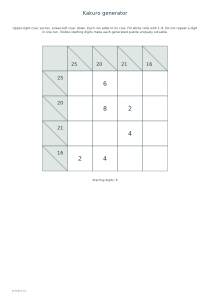
✏️Each black clue cell may contain two numbers. The number in its upper-right triangle belongs to the white run to its right; the lower-left number belongs to the run below. A diagonal separates the two directions. Start by identifying exactly which cells belong to a sum before attempting arithmetic. Every white cell participates in both an across run and a down run.
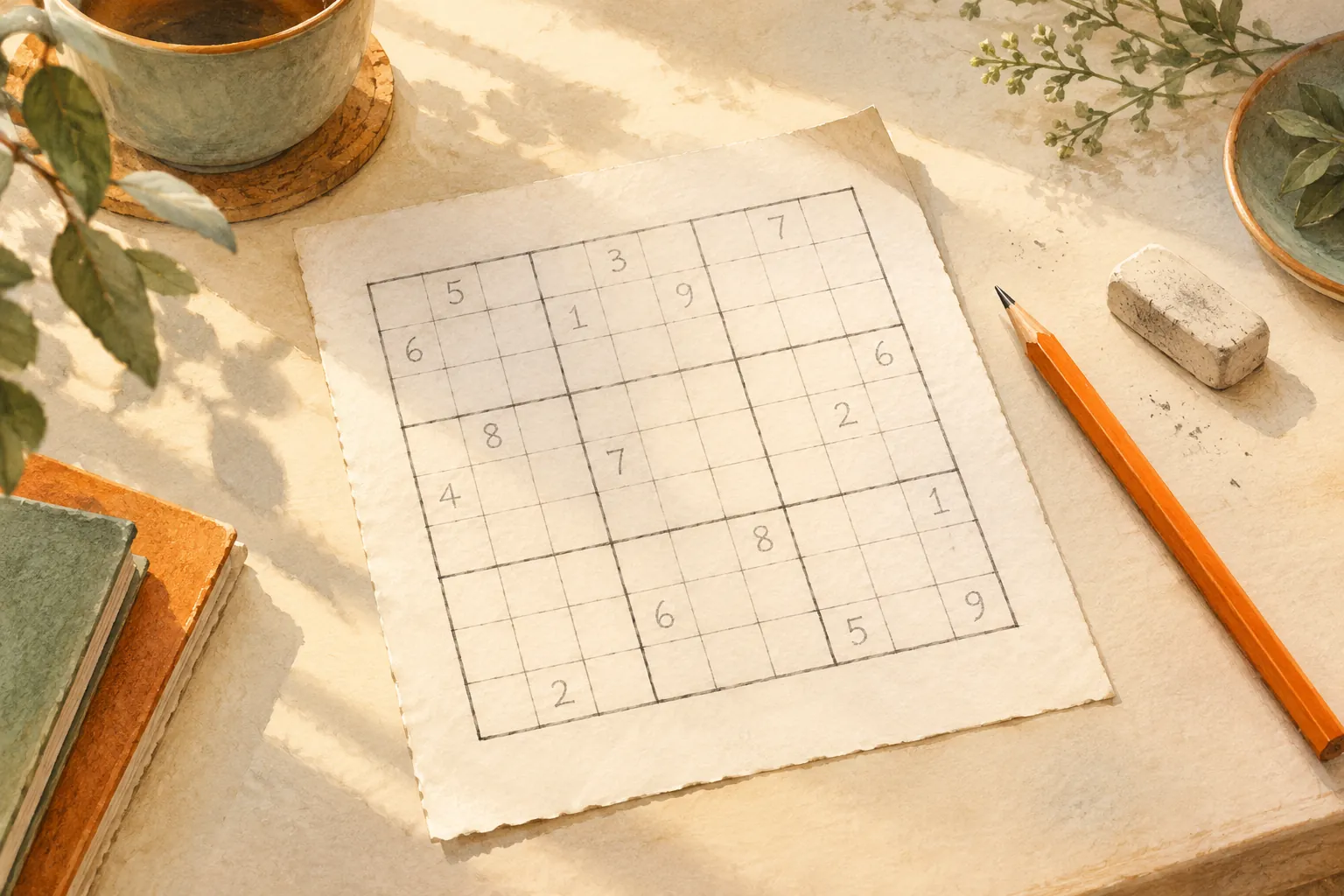
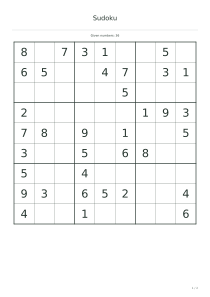
The grid size includes black clue cells as well as white answer cells. A nine-cell grid therefore does not contain eighty-one digits to fill. Larger layouts can include separate blocks of runs; use the actual preview to judge the amount of work. If a learner prefers a different constraint, Sudoku sheets use row, column and box rules instead of sum clues.
Use starting digits to connect the sums
Within a run, the same digit cannot be used twice. A two-cell sum of four can use one and three, but not two and two. The order is determined by the crossing runs and any starting digits, not by the sum alone. Write tentative candidates lightly and remove them when a crossing value changes what remains available in that run.
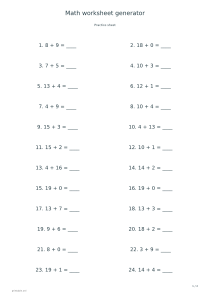
This generator supplies visible starting digits when they are needed to certify one solution. Guided support adds more starting values, allowing a learner to concentrate on fewer unknown cells. Standard support can still include givens; it does not promise an entirely blank classic grid. The separate arithmetic worksheet generator is useful for practicing addition facts before combining them with constraints.
Choose a grid for deliberate practice
📝The seed recreates the puzzle’s values and starting digits with the same grid size and support setting. It is useful for preparing an answer set or revisiting an unfinished sheet. It is not a measured difficulty score, and increasing the number does not make the task progressively harder. Compare the resulting sums and visible values when choosing another activity.
A bounded solver checks the generated grid and adds enough information to establish a unique answer. The optional key fills all white cells while retaining the same clue structure, so you can check a particular run rather than only the final page. Nonogram puzzles offer another crossing-clue activity in which filled and empty cells form a picture instead of a sum table.
Kakuro generator
A compact standard puzzle
Choose grid size five, standard support, seed 17 and answers. The PDF contains a puzzle page and its completed key. Demonstrate which triangle supplies each sum, then check that the visible starting digits belong to both crossing runs.
Choose grid size seven, guided support, seed 31 and turn answers off. The result is one practice page with extra starting values. Retain the settings if you want to generate the key afterward, and avoid treating the larger size as a difficulty rating.