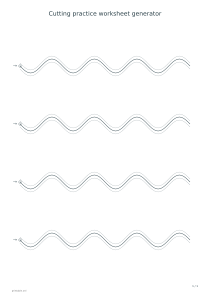
Make printable cutting practice sheets with straight, wavy or zigzag paths and closed shapes. Adjust the number of rows and guide width to create a clear worksheet for supervised scissors practice.
Live preview210 × 297 mm
A4
Preview is scaled to fit. The PDF keeps the exact dimensions.
PDF and Print include all pages. PNG and SVG save the page shown.
For true-size printing: choose 100% / Actual size, match the paper size and turn off headers and footers. Printing guide ↗
Ready for your printer
A cutting sheet provides a visible route that can be followed with scissors or rehearsed first with a finger. Start with a short, comfortable task and watch how the learner turns the paper. These templates support an activity; they are not an assessment of development or a promise of a particular learning outcome.
💡A few useful answers
Which line should be cut?
On straight, wavy and zigzag rows, follow the darker middle line. The thin lines on either side are guides and are not additional required cuts. In closed-shape mode, cut around the outside outline of the circle, square or triangle. There is no separate corridor around those shapes.
Does the track width set the finished strip width?
No. It sets the vertical distance between the two guide lines around an open path. Curved and sloping sections do not have a guaranteed constant perpendicular width. These are practice sheets, not dimensioned strip patterns for assembly, sewing or other projects that require an exact finished width.
Can I choose an age or difficulty grade?
The tool offers visual patterns, row counts and guide widths rather than age labels or a validated difficulty scale. Choose a comfortable starting task based on the learner’s current handling of scissors and paper. An adult should remain present and adapt the activity if it becomes awkward or tiring.
Choose a path and enough room
✂️Straight paths keep the direction constant. Wavy paths ask for gradual turns, while zigzags introduce repeated corners. Closed-shape mode prints circles, squares and triangles in each row. Choose the pattern that matches the action you want to practise rather than assuming that more bends automatically make a better worksheet.
Select three, four or six practice rows. Fewer rows leave larger vertical gaps and make it easier to cut the sheet into separate strips before beginning. The path length follows the available paper width. Landscape produces longer paths, while A3 gives more room overall. Preview the result before deciding whether the complete sheet is convenient to hold.
Use the guides deliberately
For open paths, the darker middle line is the intended cutting route. Two finer outer lines form a visual corridor three, six or ten millimetres wide, measured vertically on the page. This is guidance around the path, not a constant perpendicular safety margin. The corridor setting does not change the closed shapes.
Let the learner point to the start marker and follow the route before picking up scissors. A supervising adult can cut rows into strips and demonstrate turning the paper at a corner. Use suitable scissors and keep the activity supervised. If you want a pencil activity before cutting, the dot-picture generator gives a different way to follow a sequence.
Prepare a short cutting session
✏️After cutting, compare the result with the centre line without treating every wobble as a failure. A broad guide can make the intended route easier to see; a narrow one gives less visual room. Use letter stencils for a separate lettering project once the learner wants a purposeful outline to work with.
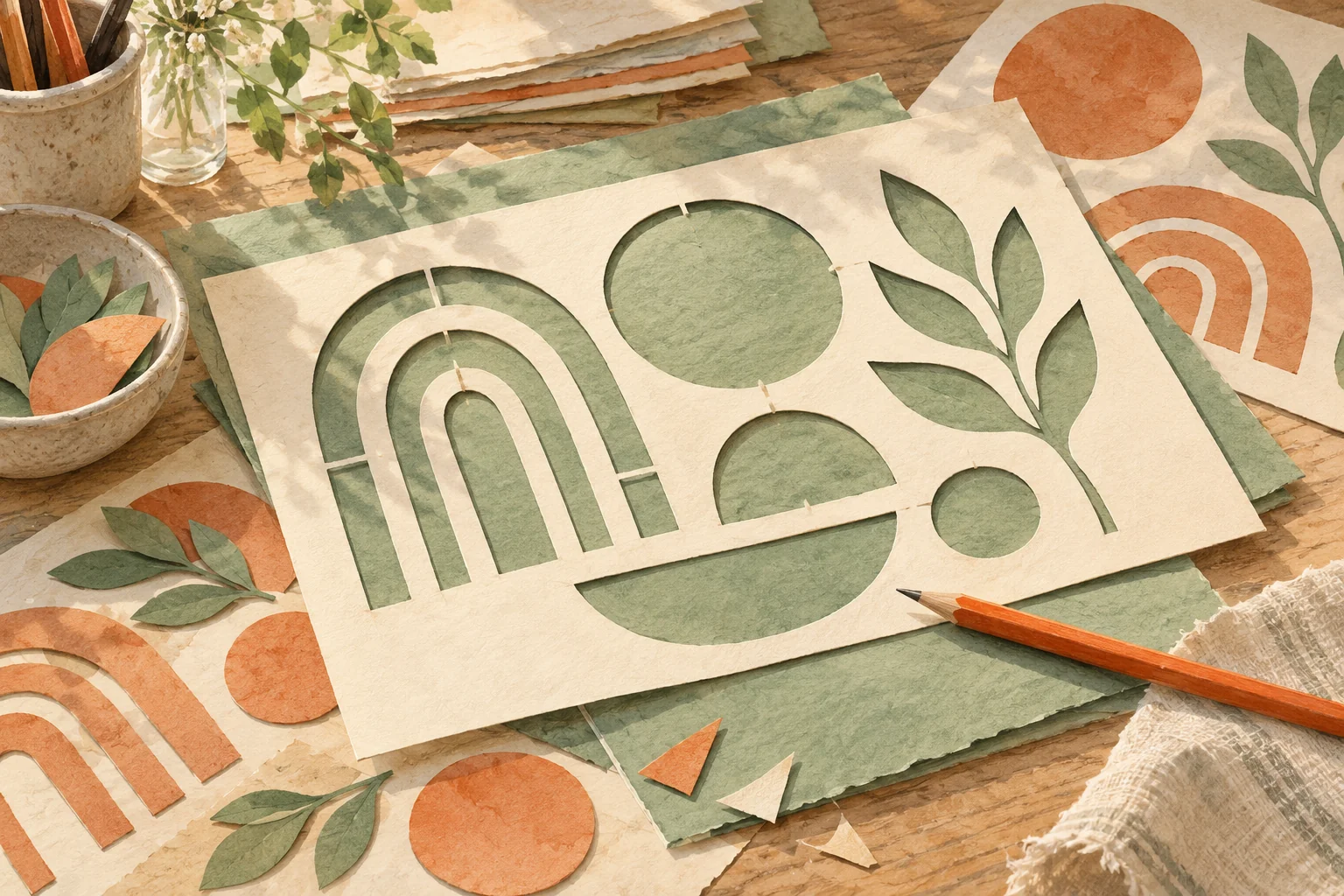
Keep the page uncluttered: a white background and a dark line make the route easy to distinguish. Coloured paper can be supplied physically instead of printing a full-page background. For a later folding activity, the paper boat template offers a clear next project, but its folding steps and cut boundaries are different from these practice paths.
Cutting practice worksheet generator
Cutting path: Straight
For a spacious first sheet, choose straight paths, three rows and a 10 mm guide corridor on A4 portrait paper. Print one copy and separate the rows into strips if that makes them easier to hold. The dark centre line is the target; the lighter outer lines simply frame it.
For repeated turning practice, select wavy paths, six rows and a 3 mm guide corridor. Keep A4 portrait and a white background. Each row contains the same wave pattern, so you can compare successive attempts. The generator does not add timed exercises or automatically score the cut edges.