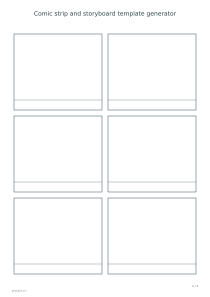
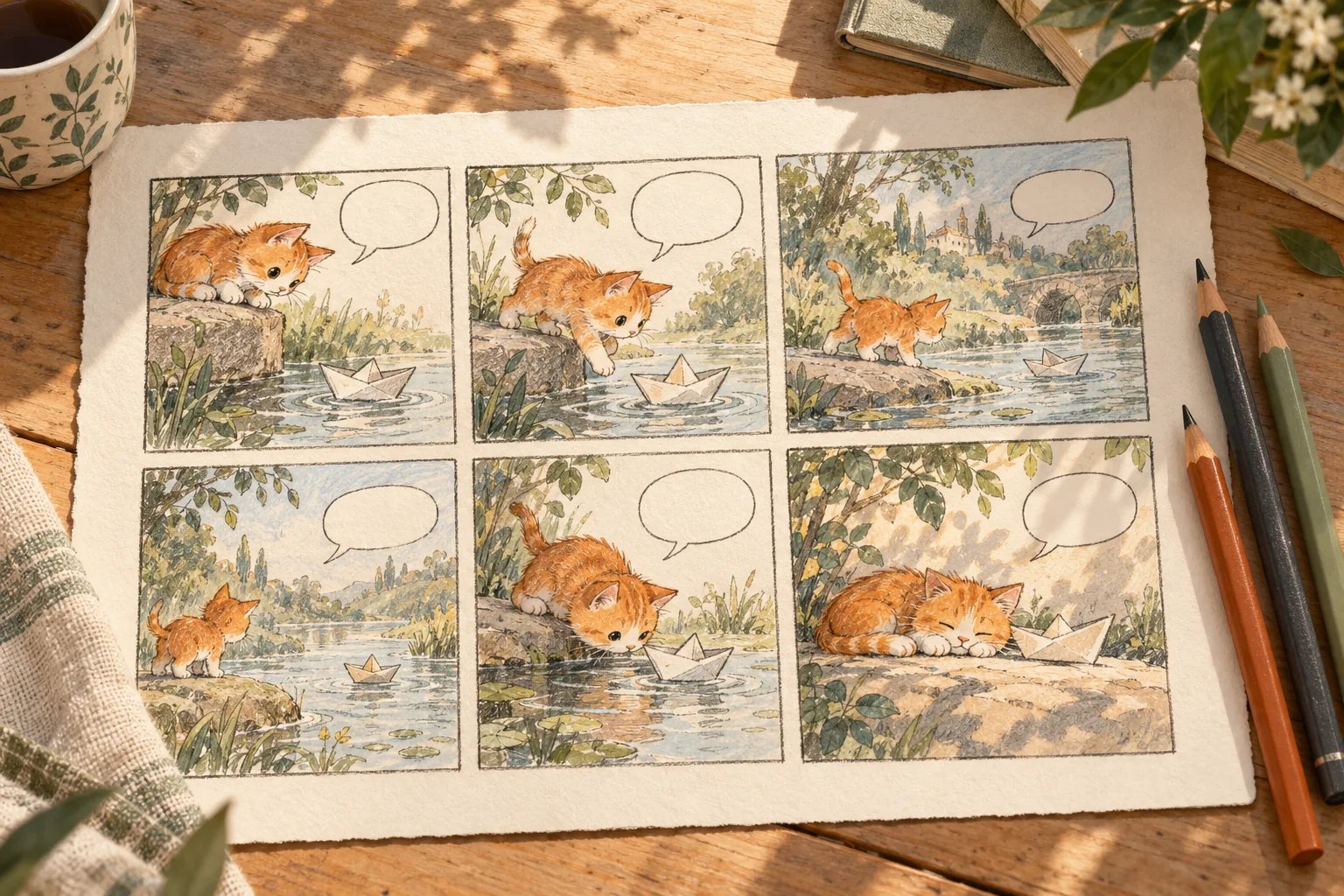
Create a printable comic strip template with adjustable panels, gutters, caption spaces and empty speech bubbles. Use a regular grid, horizontal strips or a wide opening panel for your story.
Live preview210 × 297 mm
A4
Preview is scaled to fit. The PDF keeps the exact dimensions.
PDF and Print include all pages. PNG and SVG save the page shown.
For true-size printing: choose 100% / Actual size, match the paper size and turn off headers and footers. Printing guide ↗
Ready for your printer
A blank storyboard helps divide an idea into visible moments before drawing details. Plan a short comic, explain a classroom sequence or sketch shots for a video. The generator creates frames and optional writing spaces; characters, dialogue, artwork and timing are supplied by you on the printed page.
💡A few useful answers
Can I type dialogue or upload pictures into the panels?
This version produces blank drawing templates. It does not place uploaded pictures or typed dialogue inside individual frames. Draw and write on the paper, or export the SVG and continue in a suitable vector editor. The page title is the only custom text entered directly in this generator.
Why does the panel size change with the layout?
Panels share the usable page area after margins, title space and gutters are reserved. A wide opening frame uses one full row, so the remaining frames may need additional rows. The template keeps its selected paper dimensions and rejects combinations that would make the frames too cramped.
Is this suitable for both comics and storyboards?
Yes, as a printable planning layout. Captions can hold narration in a comic or shot notes in a storyboard, and speech bubbles are optional. It does not supply screenplay formatting, camera metadata or a fixed television or cinema frame ratio. Choose the layout around the story you need to communicate.
Give each panel a clear job
🎨Choose two, three, four, six, eight, nine or twelve panels. A small count gives each scene more space, while a larger count supports a longer sequence of simpler drawings. Write a brief description of each moment before filling the frames. If two panels communicate the same action, combine them or use one to show a meaningful change.
Regular-grid mode creates an orderly reading rhythm. Horizontal strips place one wide frame in each row. Wide-first-panel mode gives the opening scene the entire page width and arranges the remaining panels below it. The last row may be incomplete when the chosen count does not fill a rectangular grid; the requested number of frames is still preserved.
Choose a layout for your story
The gutter control sets the physical space between frames from three to twelve millimetres. Wider gutters make panel boundaries more distinct but reduce the drawing area. Caption spaces add a shallow band along each frame’s lower edge. If the chosen combination would leave frames too small, reduce the count, remove captions or select a larger paper format.
Empty speech bubbles offer a visual starting point for short dialogue. They are drawn in every panel when enabled; their placement is not automatically adapted to characters or text. Leave them off when you need several speakers or free placement. For practising individual letter shapes before adding dialogue, open the handwriting sheet generator.
Leave space for drawing and dialogue
✏️For a storyboard, use the image area for composition and the caption band for action, sound or a shot note. Keep one principal event in each frame, then check whether a reader can follow the sequence without an explanation. A lined note sheet can hold the longer script while the storyboard stays focused on visible information.
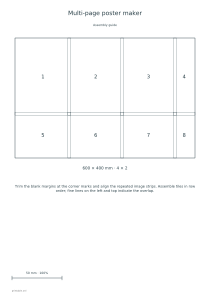
The page title can name the story or identify a draft. Print a trial and sketch lightly before committing to final lines. These templates do not enforce a video aspect ratio, trim size or publishing standard. If you later need to enlarge a finished illustration across sheets, use the separate poster maker with an image of your completed artwork.
Comic strip and storyboard template generator
Number of panels: 6
For a six-beat comic, choose six panels, a regular grid, A4 portrait and a 6 mm gutter. Enable captions and leave speech bubbles off. Use the first frame to establish the situation, the middle frames for changes and the last for the result, with short notes in the caption bands.
For a three-shot storyboard, choose three panels, horizontal strips and landscape orientation. Keep captions enabled and set the gutter to 8 mm. Each frame occupies its own row, giving a broad space for a shot sketch and a separate band beneath it for action or sound notes.