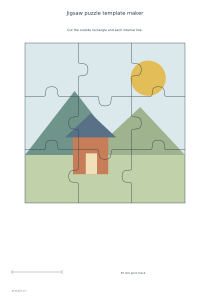
Turn a local picture or an original geometric sample into a printable jigsaw cut sheet. Choose the rectangle size, rows and columns, straight or curved seams and an optional numbered assembly diagram.
Live preview210 × 297 mm
A4
Preview is scaled to fit. The PDF keeps the exact dimensions.
PDF and Print include all pages. PNG and SVG save the page shown.
For true-size printing: choose 100% / Actual size, match the paper size and turn off headers and footers. Printing guide ↗
Ready for your printer
The editor overlays a consistent network of shared cut lines on one rectangular picture. Neighboring pieces use the same boundary curve, so there is no separately generated mismatch between their edges. The result is a single-sheet paper template; actual fitting depends on the material and the accuracy of cutting.
💡A few useful answers
Does Share include the original image file?
Share includes the normalized JPEG used by the editor, together with the public snapshot and settings. It does not include the original file name or its original metadata. Anyone with the Share link can access the shared picture and design.
Will the tabs lock together like a commercial puzzle?
The neighboring curves match geometrically, but the editor does not specify a material, cutting tolerance or commercial locking mechanism. Thin paper behaves differently from mounted card. Try the intended material and cutting method before assuming a particular fit.
Why did my picture get cropped?
Crop-to-fill fills the selected rectangle and trims whatever extends beyond it. Switch to fit-whole-picture to retain all of the source, or adjust the position controls to keep the important area. Changing the rectangle’s proportions also changes the crop.
Prepare a picture for a single sheet
✏️Upload a JPEG, PNG or WebP of up to 10 MB and eighty million pixels, or work with the built-in original landscape sample. The image is normalized locally to a bounded JPEG with a maximum 2000-pixel long edge and 450 KB size. Transparency becomes white. This reduces the stored image and removes original file metadata; it does not add detail that was absent from the source.
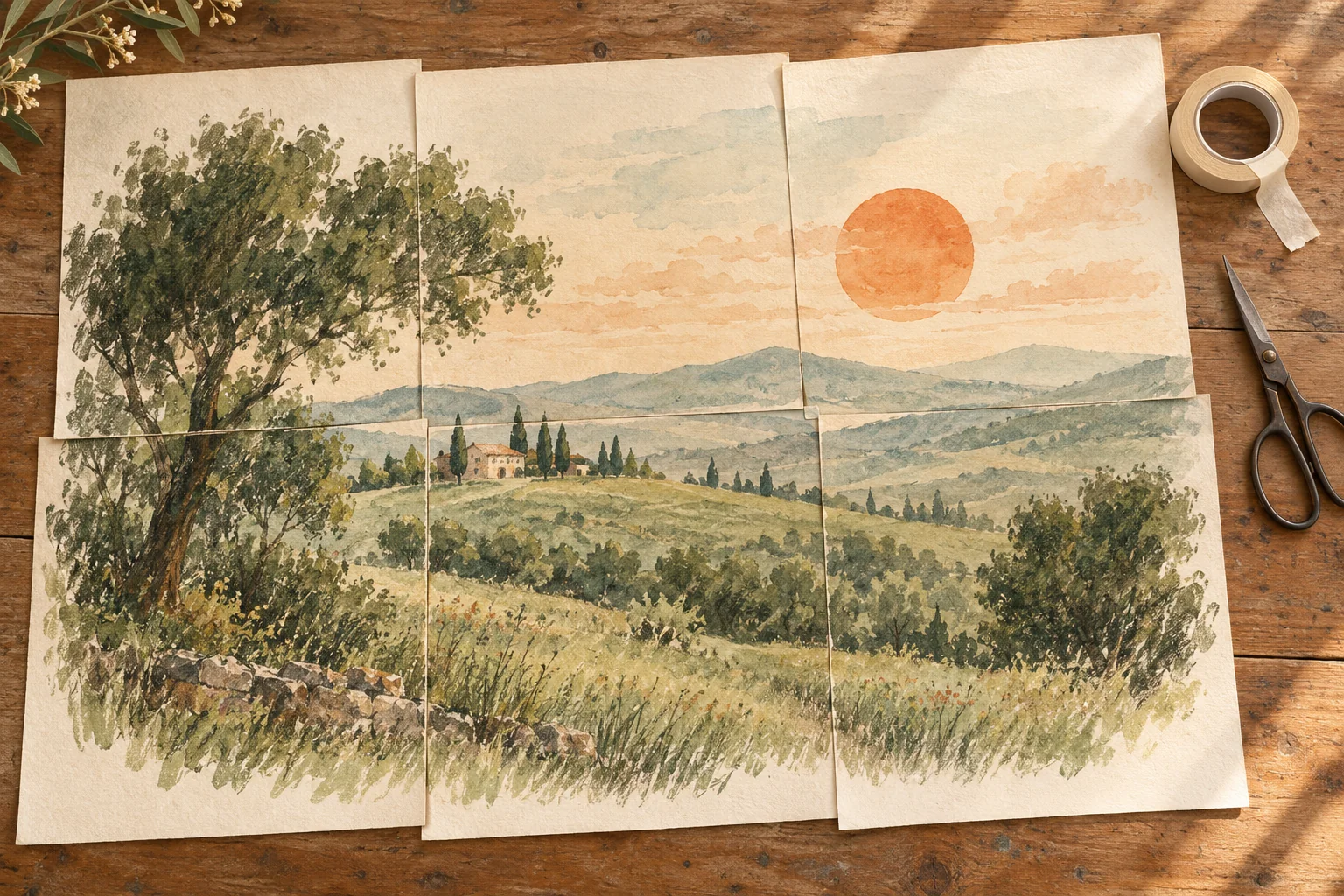
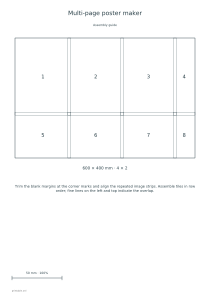
Fit-whole-picture mode retains the entire image inside the rectangle. Crop-to-fill uses the whole rectangle and can remove material at the edges; horizontal and vertical position settings control which part stays visible. Inspect faces or important lettering before printing. If the aim is a large continuous image without puzzle cuts, the tiled poster maker is the more appropriate tool.
Choose piece count and cut-line geometry
Set a template width from 100 to 180 mm and a height from 100 to 220 mm. These are printed measurements, not pixel dimensions. The chosen paper and orientation must have enough usable room. Oversized templates are rejected, and this editor does not split one puzzle across sheets. The 50 mm check line helps verify that a printer has retained the requested scale.
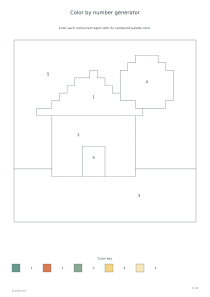
Rows and columns each range from two to six, giving four to thirty-six pieces. More pieces make smaller working areas, so consider the picture’s detail and the precision of the intended cutting method. Straight seams provide simpler rectangular pieces; curved tabs give a familiar jigsaw outline. For a picture activity without cutting, color by number turns an image into numbered color regions.
Keep the assembly diagram and shared picture clear
📝The seed controls curved-tab directions, while line width offers 0.2, 0.4 or 0.6 mm. Internal boundaries are drawn once and shared exactly by adjacent pieces. The outside remains a straight rectangle. The curves are not a tested die-cut system and do not compensate for blade width, mounting material or thickness. Start with one draft and review the result before preparing a group activity.
The optional assembly page shows the same seam layout with row-order piece numbers and no photograph. Keep it as a reference while reassembling. Ordinary exports remain local; explicit Share also saves the normalized picture publicly with the selected sheet and settings. A plain settings URL cannot transfer a local upload to another device. Cutting practice pages offer a separate way to develop control before cutting a picture.
Jigsaw puzzle template maker
A nine-piece curved puzzle
Use a 160 by 160 mm rectangle, three rows, three columns, curved tabs and seed 17. Enable answers to produce the cut sheet plus a numbered assembly diagram. The original sample works immediately; a personal picture can replace it afterward.
Use a 150 by 120 mm rectangle, two rows, four columns, straight seams and seed 31. Disable answers for a single cut sheet. Straight seams remain straight regardless of seed, making this a useful draft for checking picture placement and cutting scale.