Free · No sign-up
Dot grid paper.
Just enough guidance, plenty of open space. Make dotted paper for journals, lettering, diagrams and everyday notes.
Live preview210 × 297 mm
A45 mm
Preview is scaled to fit. The PDF keeps the exact dimensions.
Dot grid paper
A good place to start
Popular layouts, ready to use. Open one and adjust it to your page.


Dot grid paper
For pages that do more than one thing.
Dots give handwriting and drawings a shared structure without surrounding every idea with a box. Try 5 mm spacing for a compact journal or a wider 8 mm grid for larger handwriting and roomy diagrams. Change the dot diameter independently of the spacing.
Quiet dots, crisp on paper.
The PDF uses vector circles, so the dots remain smooth when printed. Spacing is measured center to center. Complete rows and columns are centered inside the minimum margins; the first and last dots remain fully within the page.
Made right here, in your browser.
Your sheet is generated on your device. There is no upload, account or watermark. A settings link contains only the layout options you choose.
A few useful answers
What spacing should I use for a journal?
Start with 5 mm and print one sheet. Increase the spacing if you write large or want more room between items.
Can I make lighter dots?
Choose a lighter ink color and a smaller dot diameter. The preview helps you compare, but a test print is best for checking your printer’s ink density.
Does the PDF have a watermark?
No. The printed sheet contains only the dots.
Paper tools
A different kind of page?
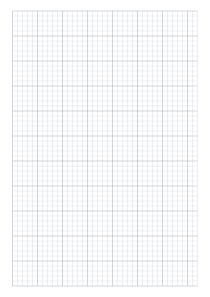
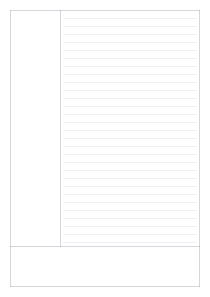
Six useful starting points. Every sheet is yours to adjust.