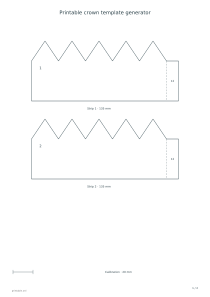
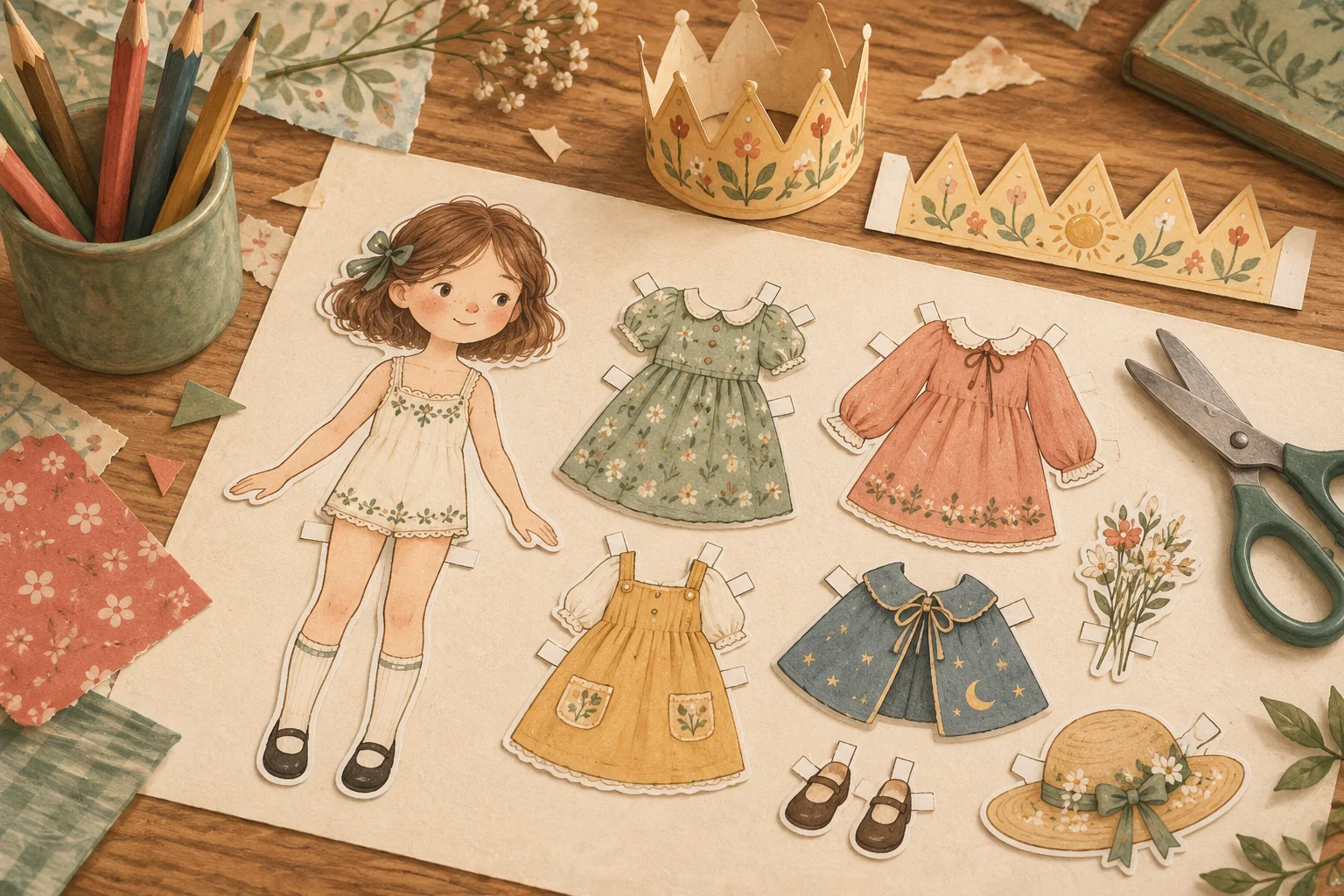
Make a paper crown at a chosen finished circumference, with pointed or rounded peaks, optional stars and a name. The template divides into numbered strips with measured overlap tabs so the band can be assembled at its intended size.
Live preview210 × 297 mm
A4
Preview is scaled to fit. The PDF keeps the exact dimensions.
PDF and Print include all pages. PNG and SVG save the page shown.
For true-size printing: choose 100% / Actual size, match the paper size and turn off headers and footers. Printing guide ↗
Ready for your printer
Measure the intended wearer before choosing a circumference. A paper crown needs enough room to sit comfortably, and the best amount of ease depends on the wearer and where the band rests. The editor draws the selected size exactly, but it does not infer a head measurement, stretch the material or guarantee a comfortable fit from an age label.
💡A few useful answers
Should I add the tabs to my head measurement?
No. Enter the intended finished circumference. The generator adds twelve-millimetre overlap tabs outside that length. When every join reaches its dashed mark, the tab paper sits behind the next strip and does not add to the finished band circumference.
Why does changing orientation change the page count?
Paper width determines how long each strip can be, and paper height determines how many strips fit on a sheet. A landscape layout may therefore need fewer pieces or pages. The selected finished circumference and band height remain the same physical measurements.
Can the crown be adjusted after assembly?
The template has fixed overlap marks rather than an adjustable mechanism. Test the size with ordinary paper first. If a different circumference is needed, change the setting and print a new version instead of assuming the original marks still describe the altered band.
Measure the finished band rather than its tabs
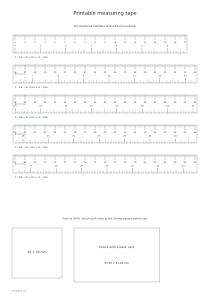
✏️Enter a finished circumference between 400 and 650 millimetres. Use a flexible tape at the height where the crown will sit, or start with a printable measuring tape checked at actual size. The selected circumference is the sum of the strip bodies after assembly. Each twelve-millimetre joining tab is additional paper and is excluded from that finished measurement.
The editor divides the circumference into equal numbered strips that fit the selected paper and orientation. A wider page can reduce the number of joins, while the crown’s intended size stays unchanged. The band-height control sets the straight portion beneath the peaks, from thirty to fifty millimetres. Another twenty millimetres provides the raised edge, so it should not be mistaken for extra circumference.
Join the numbered strips at their marks
Cut around each solid outer boundary, keeping the tab attached to the end of its strip. Place the next strip over that tab until its edge meets the dashed mark, then secure the overlap. Continue in numerical order and join the last tab to the first strip to close the ring. An overlap that stops short of the mark makes the finished crown larger than the selected measurement.
The small calibration line measures twenty millimetres. Print at one hundred percent and check that line before cutting all the pieces. If it is wrong, correct the printer scaling first rather than compensating by moving the joining marks. A cutting practice page can help prepare for following repeated peaks, and an adult can handle the sharper corners or adhesive when appropriate.
Decorate without losing the cutting guides
📝Pointed and rounded peaks change the top edge. The star option adds a simple star decoration to the pointed band. An optional name appears on the first strip, with space for up to thirty characters. Add color while the pieces are flat and keep the boundary and tab marks readable. The editor does not place gemstones, elastic, slits or an adjustable fastening into the template.
Assemble a trial crown on ordinary paper before using heavier stock. Paper thickness, printer accuracy and the exact overlap can all affect the result, so the preview is a dimensional design rather than a physical fit test. For matching party decoration, use a letter banner generator separately. Keeping the banner and wearable band independent lets you size each for its actual purpose.
Printable crown template generator
A 540 mm pointed crown
Choose circumference 540 mm, band height 40 mm and Points on portrait A4. The template contains four strip bodies of 135 mm, each with an additional 12 mm tab, arranged across two sheets. Join at the marks to preserve the intended circumference.
Set circumference 480 mm, band height 30 mm and Rounded peaks on landscape A4. Two 240 mm strip bodies, each with a 12 mm joining tab, fit on one sheet. Check the 20 mm calibration line before cutting and closing the band.